Worm Downloads

for noirLang

Windows Agent

worm-win.exe dosyasini indirip Yonetici olarak calistirin.

worm-win.exe indir
wget -O worm-win.exe https://worm.noirlang.tr/worm-win.exe

Linux Agent

worm-linux dosyasini indirip calistirma izni verin.

worm-linux indir
wget -O worm-linux https://worm.noirlang.tr/worm-linux
chmod +x worm-linux
./worm-linux

Nasil Kullanilir?

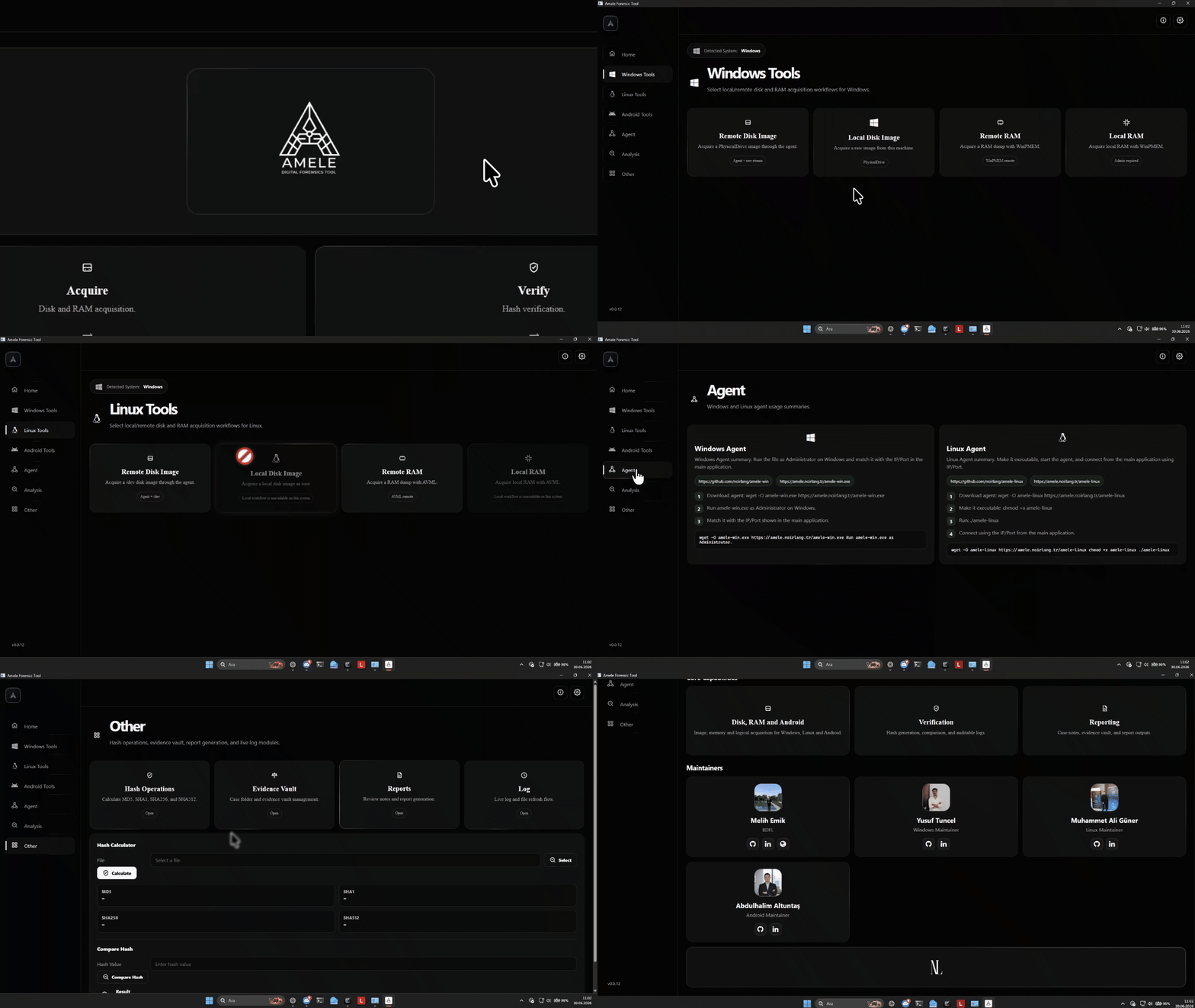
  • Worm masaustu uygulamasini acin.
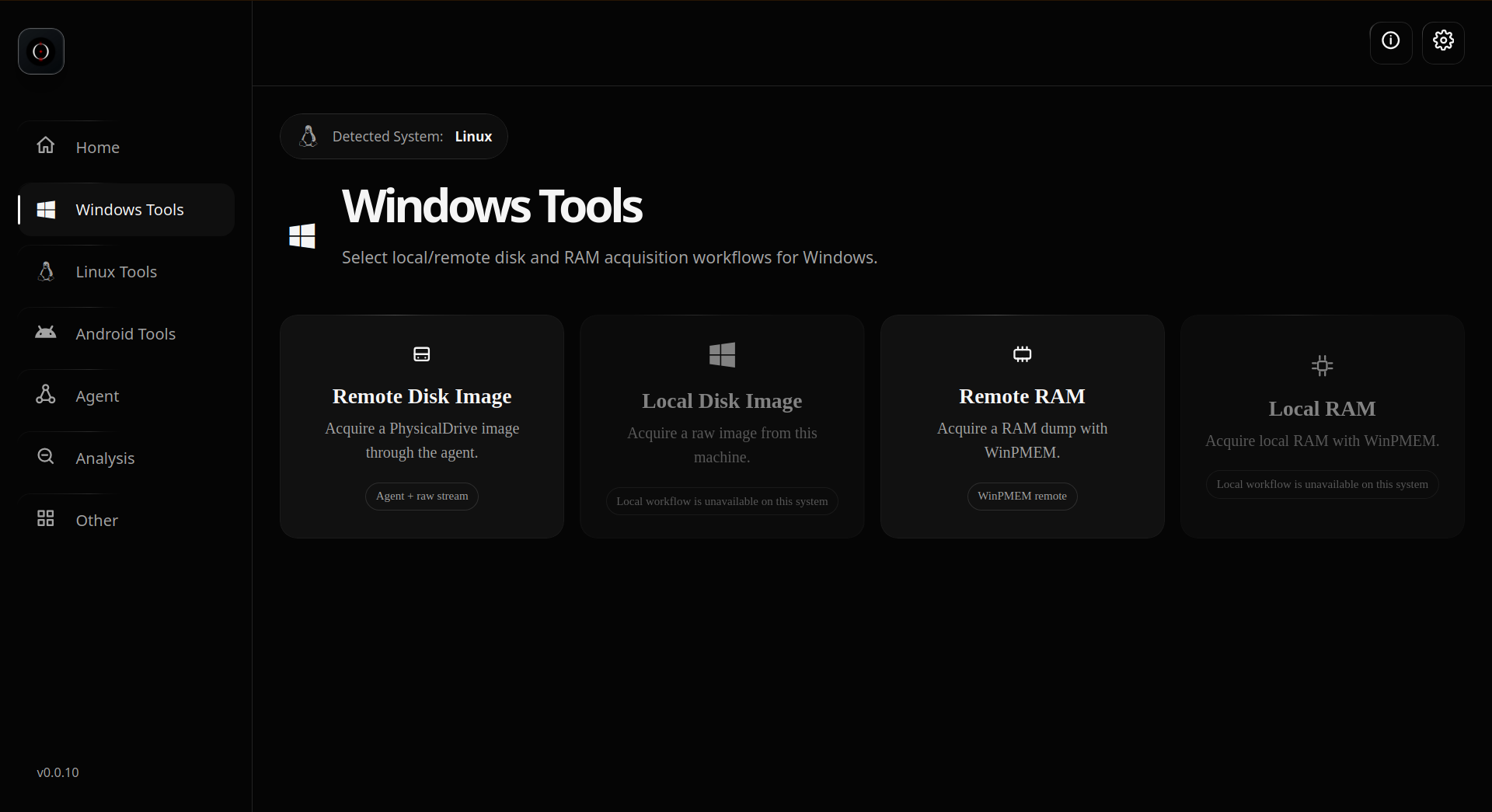
  • Windows ya da Linux araclari ekranina gecin.
  • Agent tarafinda gorunen IP/Port degerlerini uygulamaya girin.
  • Token kullaniyorsaniz iki tarafta da ayni tokeni yazin.
  • Baglan dedikten sonra disk veya RAM edinim islemlerini baslatin.

Windows Agent

Download worm-win.exe and run it as Administrator.

Download worm-win.exe
wget -O worm-win.exe https://worm.noirlang.tr/worm-win.exe

Linux Agent

Download worm-linux and make it executable.

Download worm-linux
wget -O worm-linux https://worm.noirlang.tr/worm-linux
chmod +x worm-linux
./worm-linux

How To Use

  • Open the Worm desktop application.
  • Go to the Windows or Linux tools page.
  • Enter the IP/Port shown by the agent.
  • If token security is enabled, use the same token on both sides.
  • Click connect, then start disk or RAM acquisition.